Standard Identity (Premium)
Customizes the bot’s Nickname, Avatar, Banner, and Bio inside your server. The bot tag still shows the original TicketForge application name when clicked.
Manage global settings that apply to the entire bot within your server.
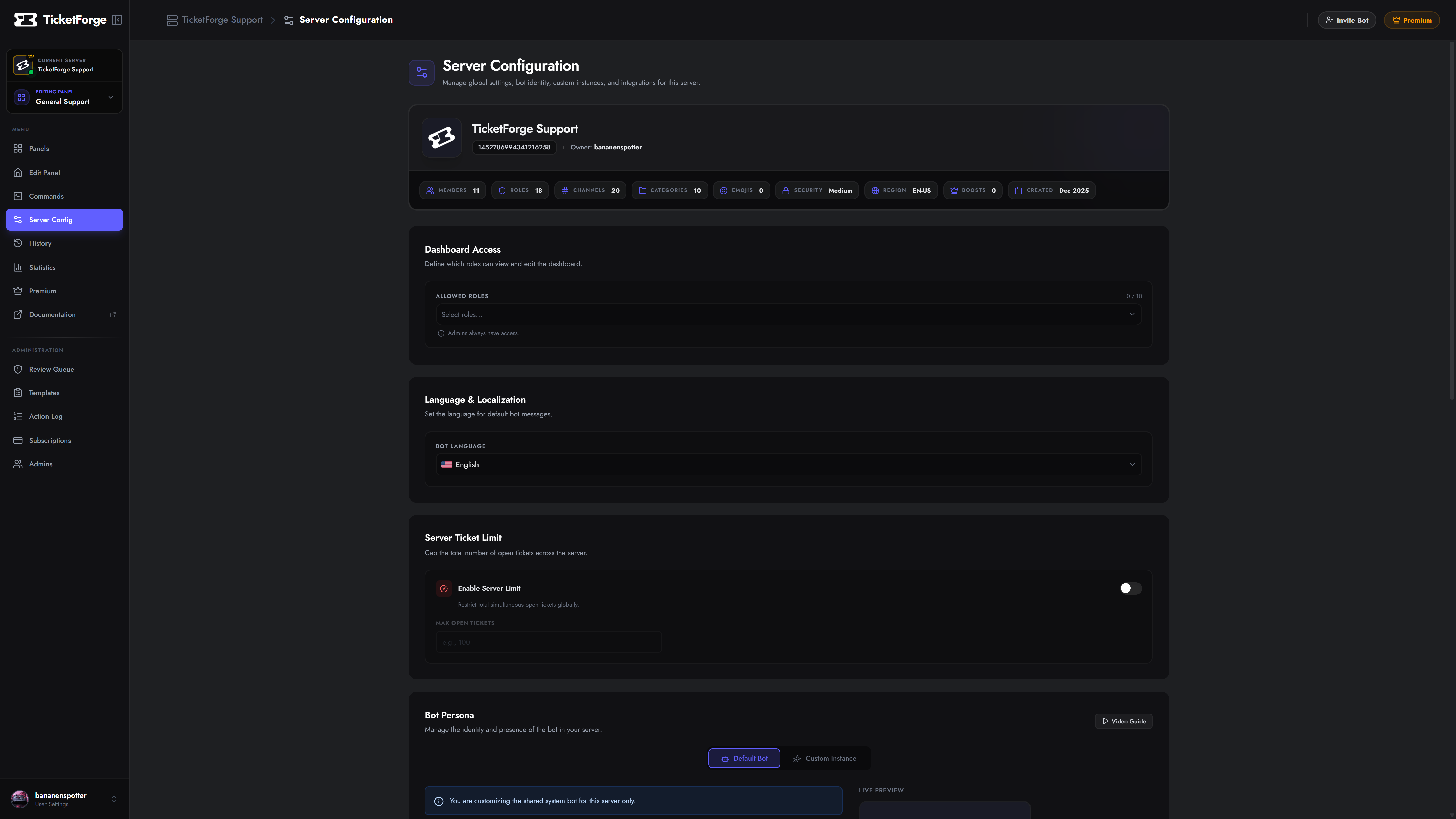
The Bot Persona section lets you customize how TicketForge appears in your server. There are two modes depending on your subscription plan.
Premium Feature
Included with the Premium Plan. Customize the bot’s appearance within your server without replacing the bot application itself.
Leaving any of these fields blank reverts the bot to its global defaults.
Support Plan Exclusive
Take branding to the next level by running TicketForge under your own bot application. This fully replaces the “TicketForge” bot user with your own, giving you complete control over the username, avatar, and presence — the bot will appear as an entirely separate application in Discord.
Standard Identity (Premium)
Customizes the bot’s Nickname, Avatar, Banner, and Bio inside your server. The bot tag still shows the original TicketForge application name when clicked.
Full Custom Bot (Support Plan)
Runs a dedicated instance using your own Bot Token. Completely replaces the bot identity — your own application name, profile picture, and presence.
Premium Feature
Securely backup your transcripts to the cloud. By connecting your Google Drive, TicketForge will automatically upload HTML transcripts to a folder in your personal Drive whenever a ticket is saved.
Control who can log in to the web dashboard to manage settings.
Cap the total number of open tickets allowed across the entire server simultaneously.
Set the default language for bot system messages.
Prevent abuse by blocking specific roles from interacting with the bot entirely.