Templates & Configuration Sharing
The templating engine allows you to replicate configurations across staging and production environments without rebuilding forms manually.
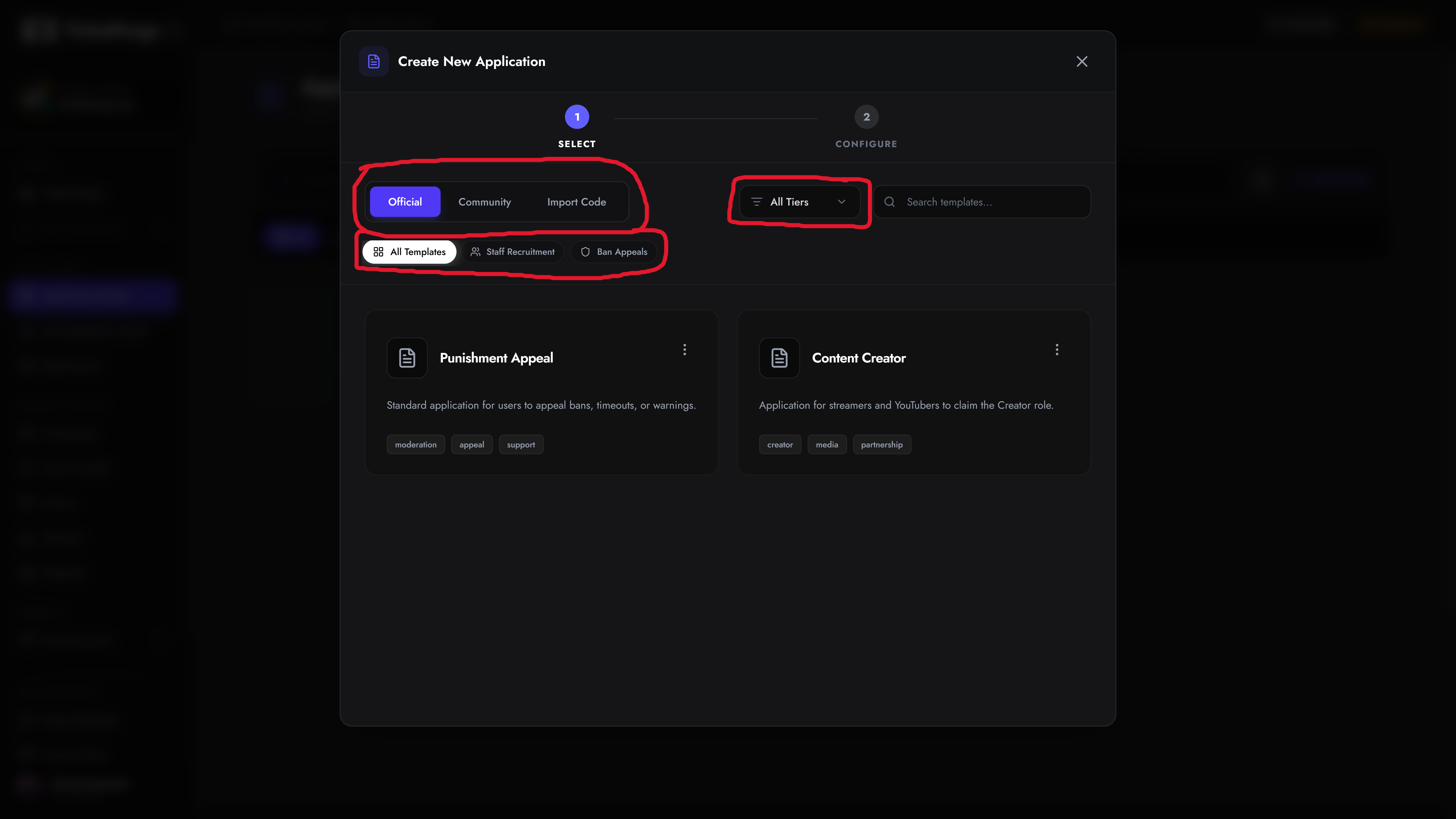
Creating Templates
Section titled “Creating Templates”- Open the target panel in the Panel Editor.
- Click Template in the action toolbar.
- Configure naming, metadata tags, and visibility (Public or Private).
- Save to your organization’s template inventory.
Exporting Share Codes
Section titled “Exporting Share Codes”For direct, private migration between servers:
- Open the Panel Editor and select the Code icon.
- Copy the generated
XXXX-XXXX-XXXXtoken. - On the destination server, select Create Panel > Import from Code and paste the token.