
Dashboard Overview
The TicketForge Dashboard is the command center for your support system, providing a fast, responsive web interface to manage your bot configurations.
Navigation & Sections
Section titled “Navigation & Sections”Select your server to view the main navigation sidebar:
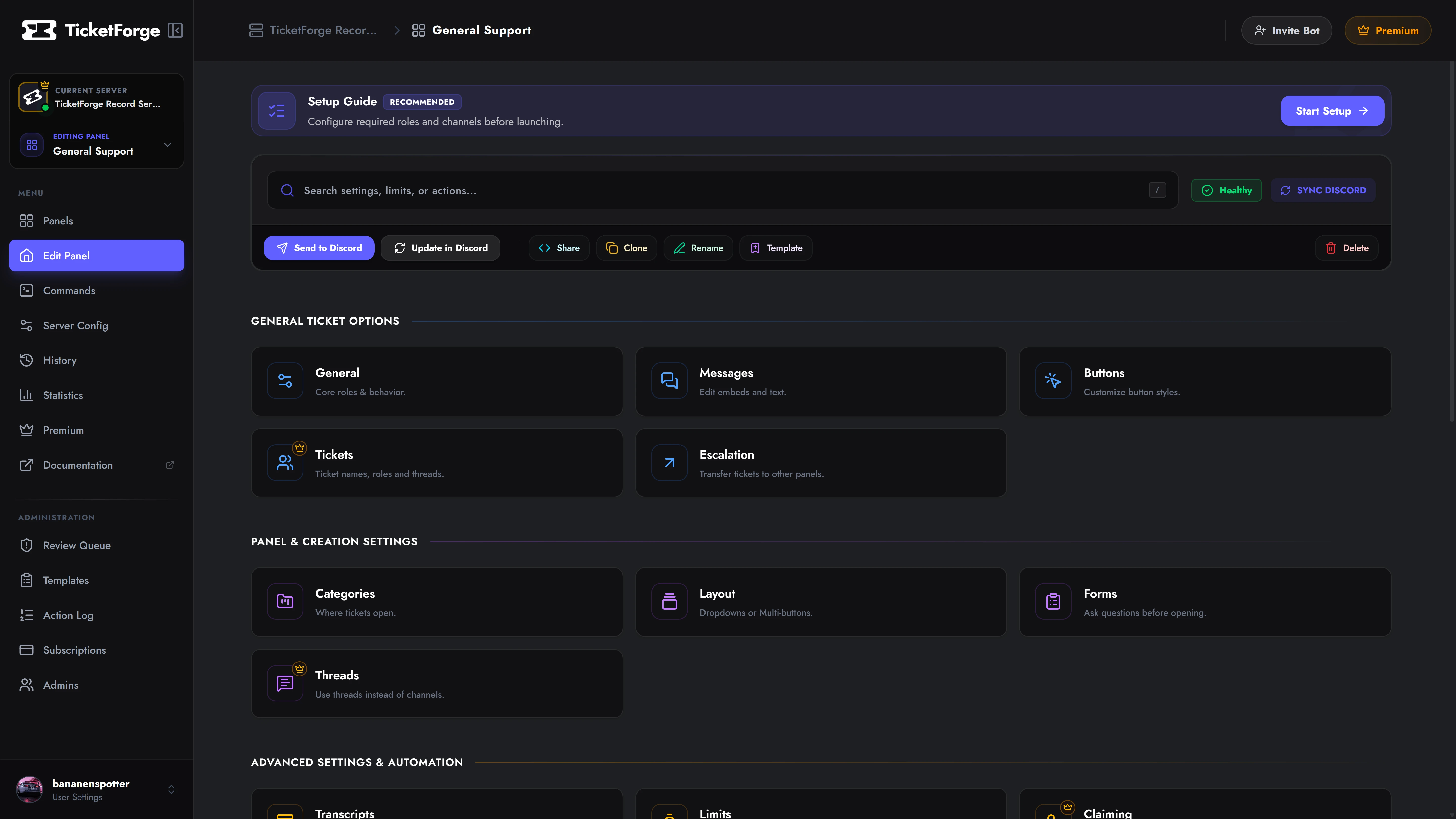
| Section | Function |
|---|---|
| Panel Editor | Build panels, design embed messages, configure pre-ticket forms, and configure ticket logic. |
| Commands | Permission manager for slash commands. Disable specific commands or restrict them by role/channel. |
| Server Config | Global settings such as Bot Language, Staff Access Roles, and Interaction Blacklists. |
| History | Audit log tracking configuration changes made through the web interface. |
| Statistics | Analytics tracking ticket volumes, claim durations, and agent response times. |
| Premium | Manage subscriptions, download invoices, and redeem license keys. |
Navigation & Workflow
Section titled “Navigation & Workflow”Breadcrumbs
Section titled “Breadcrumbs”Located at the top left (My Server > Support Panel > Messages):
- Click My Server to return to root server settings.
- Click Support Panel to jump directly to the settings matrix for that panel.
Save Bar & Drafts
Section titled “Save Bar & Drafts”The dashboard uses a local draft engine. Modifications are not pushed to the live bot until committed:
- Discard: Reverts local adjustments back to current state.
- Save Changes: Deploys updates directly to the database and live bot runtime.
Troubleshooting
Section titled “Troubleshooting”403 Forbidden Error? Your OAuth session expired or your permissions on the server changed. Log out and log back in to refresh your Discord access token.
Dashboard Not Loading? Check the TicketForge Status Page to confirm API operational health.