Ticket Forms
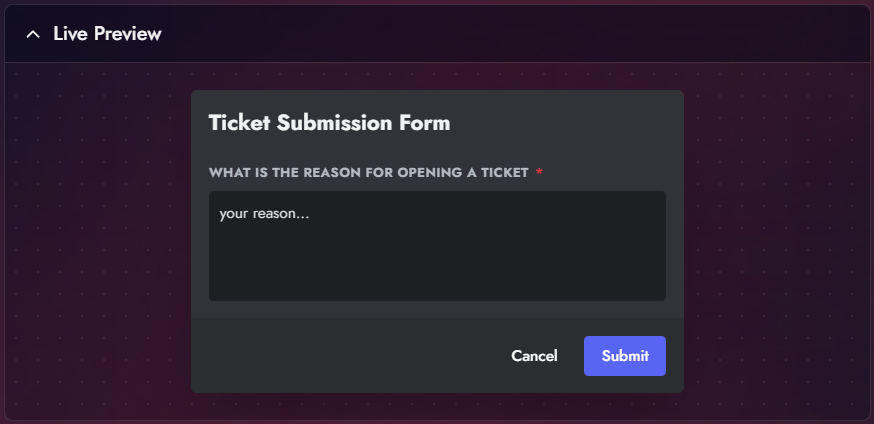
Forms allow you to collect specific information from a user before the ticket is created. When a user clicks the "Create Ticket" button, a modal appears asking for details.
Configuration
- Navigate to the Ticket Forms tab in the Panel Editor.
- Toggle Enable Ticket Forms to ON.
Adding Questions
You can add multiple questions to gather context (e.g., "Minecraft Username", "Reason for Report", "Device ID").
| Option | Description |
|---|---|
| Label | The question text shown to the user (e.g., "What is your ign?"). |
| Placeholder | Greyed-out text inside the box to guide the user. |
| Required | If enabled, the user cannot submit the form without answering. |
| Multi-line | Switches the input from a single line to a paragraph text area. |
| Min/Max Length | Enforce character limits to prevent spam or ensure detailed answers. |
Results
Once submitted, the answers are automatically compiled into an embed field and posted as the first message inside the newly created ticket.